


New hardware.
Careful installation.
Local support.
Get help fitting, connecting, and configuring the equipment you need. Judah Technologies installs compatible computer components, sets up workstations and peripherals, and helps prepare supported network and storage hardware for everyday use.
Hardware installation and setup in Statesboro and Southeast Georgia.
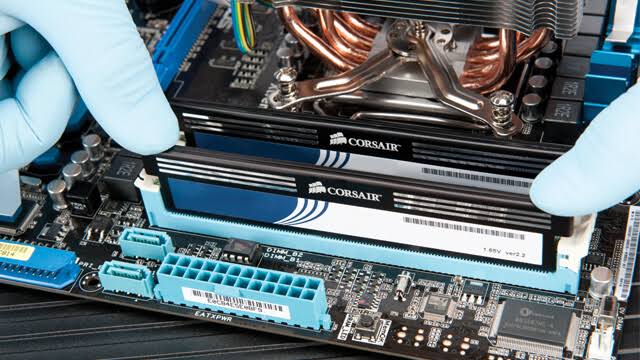
Check compatibility. Install with care. Get your equipment connected and configured for the job.
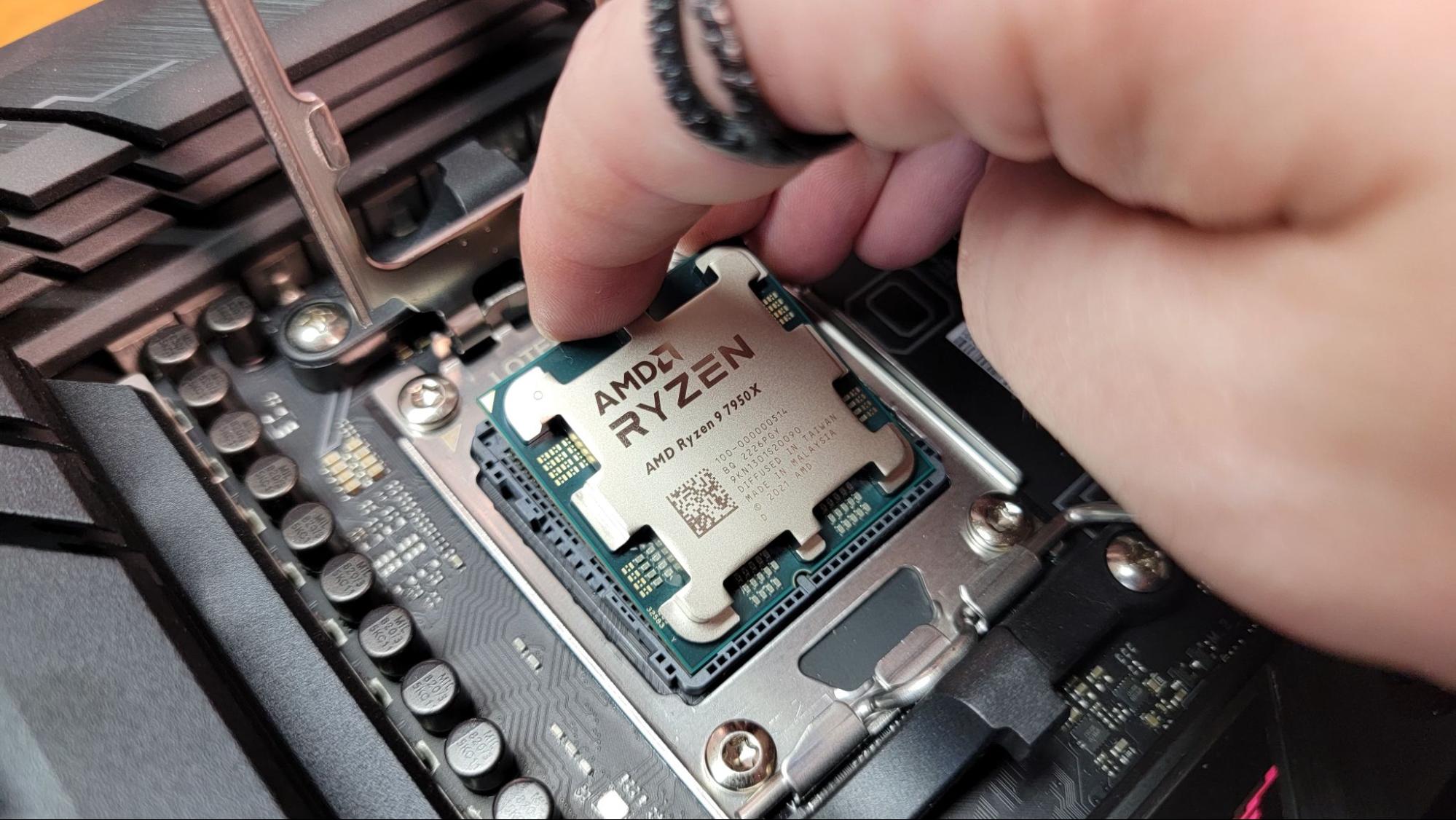
Give your equipment a clear installation plan.
A new component or device needs to fit the system, workspace, and tasks it will support. We review the equipment and existing setup before planning the installation, including connections, available power, software requirements, and any data considerations.
Whether you are upgrading a computer or adding equipment to an office, we help complete the agreed installation and check the relevant functions. You receive guidance on the setup and any recommended next steps.
Installation support from components to connected devices.
Plan compatible hardware, connect the equipment, and complete the agreed configuration and checks with help from Judah Technologies.
Fit the right parts to your computer.
We review compatibility and install supported replacement or upgrade components, with attention to the existing hardware and the work you need the system to perform.
- Compatible memory, SSD, and storage drive installation
- Graphics card, power supply, and cooling component setup
- Physical fit, connections, and hardware detection checks
Prepare a practical workspace.
We help connect a new or relocated workstation and configure the agreed equipment around your desk, connectivity, and everyday tasks.
- Desktop and laptop workstation setup
- Monitor, docking station, keyboard, and accessory connections
- Cable organization and basic workstation function checks
Connect the devices that support your work.
We help install supported peripherals and configure the connections and drivers needed to use them with your computer or business network.
- Printer and scanner installation and configuration
- Supported USB and network-connected device setup
- Driver setup and relevant print, scan, or connection checks
Put network equipment in place with a plan.
We help install supported switches, routers, firewalls, and access points, with the physical connections and configuration defined for your network.
- Network device mounting and connection planning
- Switch, router, firewall, and access point setup
- Agreed connectivity and device-access checks
Prepare hardware that supports your business data.
We review supported server and storage equipment before installation, including compatibility, existing data, and the configuration required.
- Supported server memory and storage hardware installation
- NAS equipment and disk setup within the agreed scope
- Review of existing storage and planned changes before work
Check the installation and explain the setup.
After the hardware is fitted and connected, we complete the agreed configuration and checks so you understand what has been installed and how to use it.
- Required driver and supported device configuration
- Relevant startup, connection, and function checks
- Setup walkthrough and recommendations for follow-up work
Equipment, installation location, parts, cabling, software licensing, data handling, configuration, and testing are defined and quoted for your project. Compatibility and the condition of existing equipment are reviewed before the agreed work proceeds.
Compatible parts.
Careful setup.
Practical support.
You should know what is being installed, what the setup includes, and how the equipment fits into your existing system.
- Installation planned around your hardware and everyday needs.
- Compatibility, connection, and setup requirements explained.
- Agreed configuration and function checks after installation.
- Local help from Statesboro, Georgia.
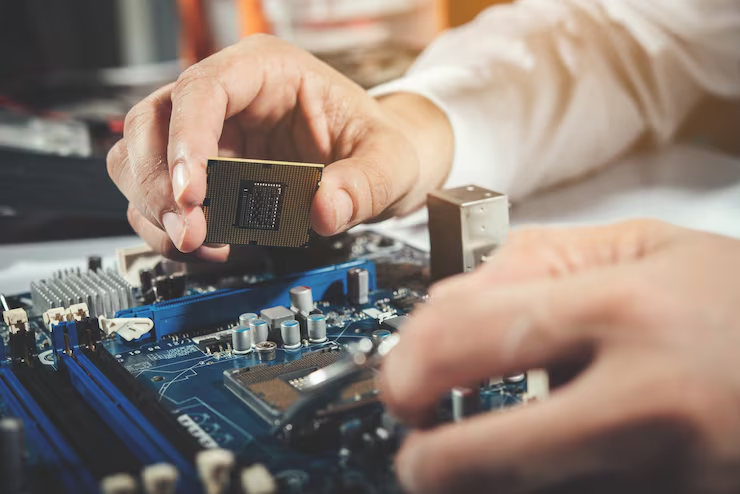

Start with the equipment and the job it needs to do.
Before adding a component, printer, workstation, or network device, review how it will connect and what setup is required. We can help plan the installation and identify any additional parts, software, or preparation needed.
Questions about hardware installation?
Understand compatibility, supplied equipment, setup work, and what is included in the installation.
Can you install hardware I have already purchased?
We can review the make, model, condition, and included accessories before agreeing on installation. The equipment needs to be compatible with the intended system and supported for the required setup. We explain any additional parts, adapters, software, or preparation needed.
How do you check whether a component will fit my computer?
We review the computer or motherboard specifications, hardware interfaces, physical space, power requirements, and cooling needs as relevant to the part. Software and driver support may also matter. The installation is planned around those requirements before components are fitted.
Will installing hardware affect my files?
It depends on the work. Storage changes or operating system setup may require backup, migration, or other preparation. We discuss existing data and the proposed changes before that work proceeds. Any file transfer or recovery work is defined separately within the project scope.
Do you help with both home and business equipment?
Yes. We can discuss supported computer components, workstations, printers, peripherals, and business network or storage equipment. The installation location, required access, scheduling, and service scope are agreed based on the hardware and the work involved.
Does installation include software setup and testing?
The scope specifies the drivers, device configuration, software licensing, and checks included in the job. Additional work such as operating system installation, application setup, or data migration can be discussed and quoted. We explain the completed setup and any recommended follow-up work.
Plan the setup.
Connect your hardware.
Tell us what equipment you need installed, what it will connect to, and where the work is needed. Judah Technologies will follow up to discuss compatibility, setup requirements, and the next steps.
- Computer components, workstations, and peripherals.
- Supported network, server, and storage hardware.
- A clear installation scope, setup plan, and pricing.
Tell us what you need installed.
We will use these details to respond to your request. Please do not include passwords or sensitive account information.