
Business cameras.
Clearer visibility.
Local support.
Keep an eye on entrances, work areas, and other important locations with a camera system that fits your property. Judah Technologies helps plan, install, configure, and support business security cameras, recording systems, and authorized remote viewing.
Business security camera installation and support in Statesboro and Southeast Georgia.
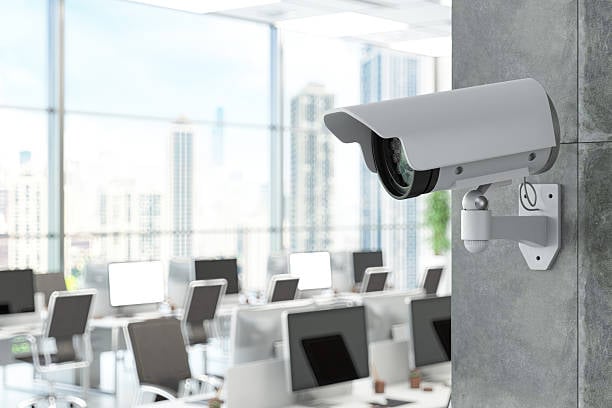
See important areas. Review recorded events. Keep camera access and storage organized.
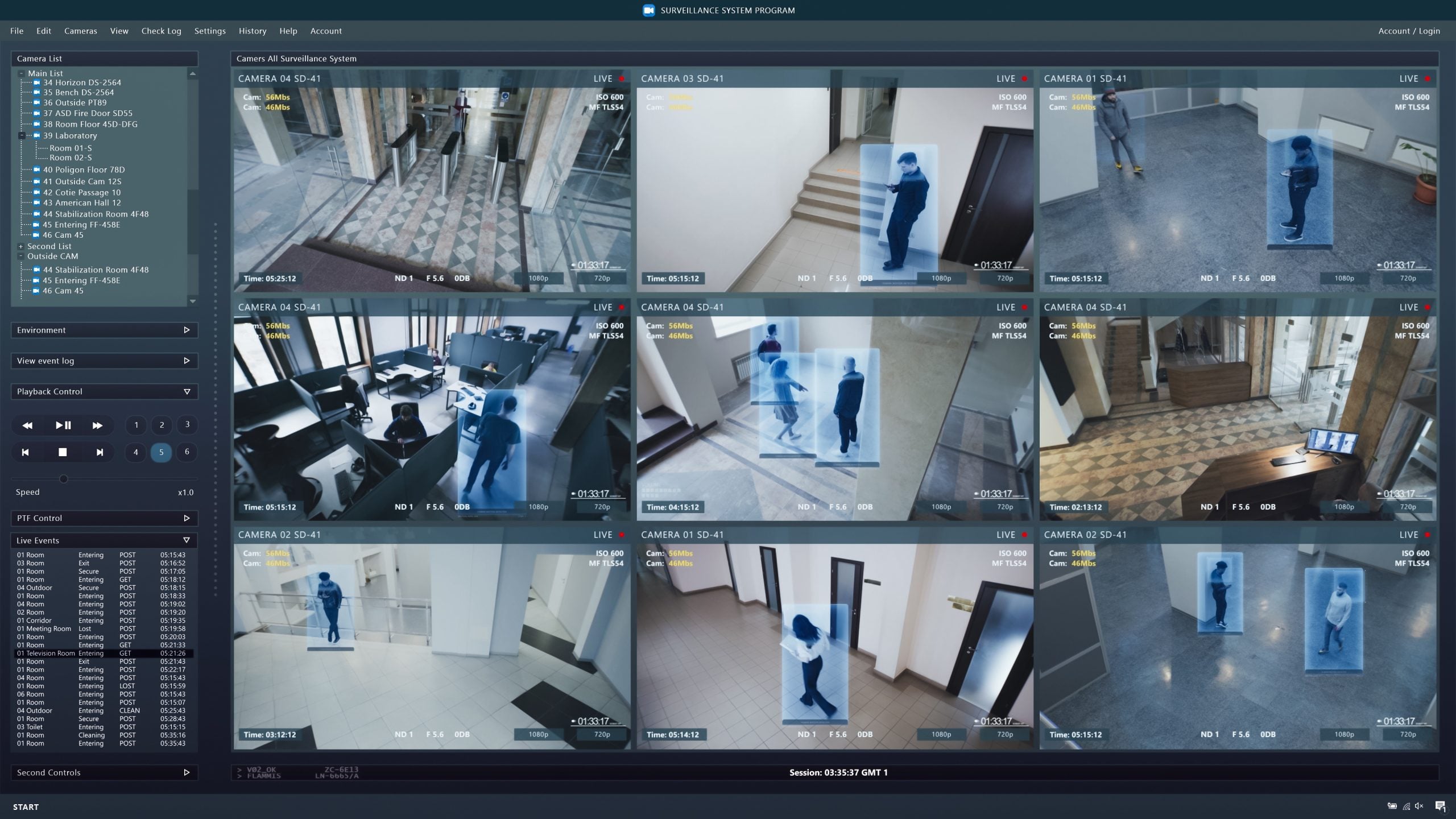
Start with what your cameras need to see.
Camera placement, lighting, and viewing angles all affect how useful your footage will be. We review your property and coverage goals to help plan camera locations, equipment, and the connections needed to support them.
We also help configure recording, storage, and access for the people who need to use the system. From finding a clip to investigating an offline camera, your team gets guidance and support within an agreed service scope.
Camera support from planning to everyday use.
Bring coverage, installation, recording, and access together in a practical camera system for your business.
Plan the views that matter to your business.
We help review the areas you want to observe, the available lighting, and installation conditions before recommending camera locations and equipment.
- Entrance, parking, stockroom, and work-area coverage planning
- Camera placement, viewing angles, and lighting review
- Indoor and outdoor equipment selection for site conditions
Connect and position your cameras with care.
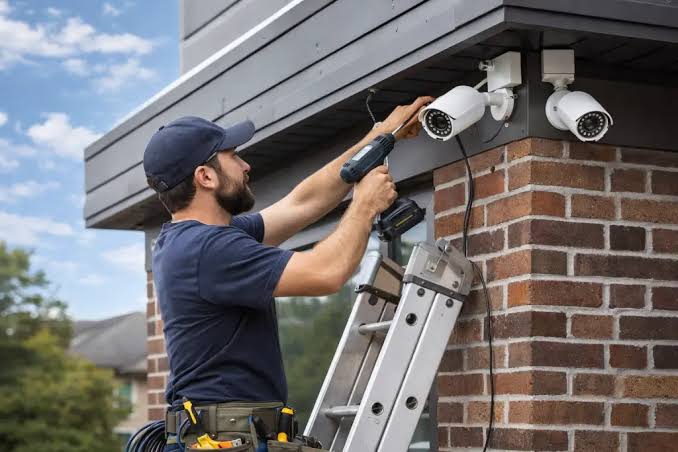
We help install supported IP cameras and the cabling, power, and network connections they need, with final views adjusted around your coverage plan.
- Camera mounting, positioning, and image checks
- Ethernet cabling and Power over Ethernet (PoE) setup
- Switch connections and camera network configuration
Plan how footage is recorded and retained.
We help configure your recorder and storage around camera count, video settings, activity levels, and your desired retention period.
- Network video recorder (NVR) and recording-system setup
- Recording modes, schedules, and retention configuration
- Storage capacity planning and recording health checks
Give authorized staff a practical way to view footage.
We help set up supported viewing applications and account permissions so approved users can access the cameras and recordings they need.
- Supported mobile, desktop, or browser viewing setup
- Owner and staff accounts with appropriate permissions
- Playback, clip export, and everyday user guidance
Tune the system to the activity at your property.
We help configure the available detection and notification settings, then review camera views and recording behavior with your business needs in mind.
- Supported motion zones and event detection settings
- Notification schedules and selected user alerts
- Image settings and privacy masking where available
Get help when a camera or recording needs attention.
We help investigate offline devices, image problems, and recording issues, and plan maintenance for supported equipment within your service arrangements.
- Offline camera, image quality, and playback troubleshooting
- Firmware, storage, and recording-status review
- Cabling, PoE power, and network connection checks
Camera quantities, equipment, cabling, installation, storage, subscriptions, and support are defined and quoted for your project. Features and recording retention depend on the selected platform, storage capacity, video settings, and site conditions.
Useful coverage.
Organized footage.
Practical support.
Your team should understand what the cameras cover, how to find recordings, and who to contact when the system needs attention.
- Coverage planning shaped around your property and priorities.
- Clear equipment, recording, and storage recommendations.
- Help with authorized access, playback, and system upkeep.
- Local installation and support from Statesboro, Georgia.
Make your next camera upgrade a planned one.
Adding cameras, replacing aging equipment, or improving coverage starts with a review of the property and existing setup. We can help identify practical options for camera placement, recording capacity, and access.
Questions about business security cameras?
Understand camera coverage, recording storage, remote viewing, and the options for your property.
How many cameras does our business need?
The right number depends on the areas you want to see, property layout, lighting, mounting options, and the level of detail required. We review those priorities and help plan suitable views. Camera count is based on the coverage plan and site conditions.
How long will our system keep recordings?
Retention depends on storage capacity, camera count, video quality, frame rate, recording mode, and activity levels. We help estimate storage needs around your desired retention period and configure supported settings. Actual retention should be checked after installation as recording patterns become clear.
Can we view cameras when we are away from the business?
Many supported systems provide remote viewing through a mobile app, desktop application, or browser. We can configure approved users and appropriate permissions, then help them get started. Remote viewing depends on the selected platform, account access, and a working connection to the camera system.
Can you work with our existing cameras or recorder?
We can review the equipment, cabling, network, and available access to determine what is supported and reusable. Compatibility varies between camera models and recording platforms. We explain whether adjustments, repairs, added storage, or replacement equipment would be appropriate for your goals.
Will cameras keep recording during an outage?
That depends on the system and available power. Local recording may continue during an internet outage if the cameras, recorder, and local network remain powered and connected, while remote viewing may be unavailable. We can review backup power, connectivity, and recovery considerations during planning.
See what matters.
Plan your camera setup.
Tell us about your property, current camera system, and the areas you would like to cover. Judah Technologies will follow up to discuss equipment, recording needs, and the next steps.
- Business camera planning, installation, and upgrades.
- Recording, remote viewing, and troubleshooting support.
- A clear scope for equipment, cabling, storage, and service.
Tell us about your camera needs.
We will use these details to respond to your request. Please do not include passwords or sensitive account information.