
Reliable computers.
Supported servers.
Productive teams.
When a computer slows down or a server stops cooperating, work gets harder. Judah Technologies helps businesses troubleshoot problems, maintain their systems, and plan practical upgrades so their teams can stay focused on the job.
Computer and server support in Statesboro and Southeast Georgia.
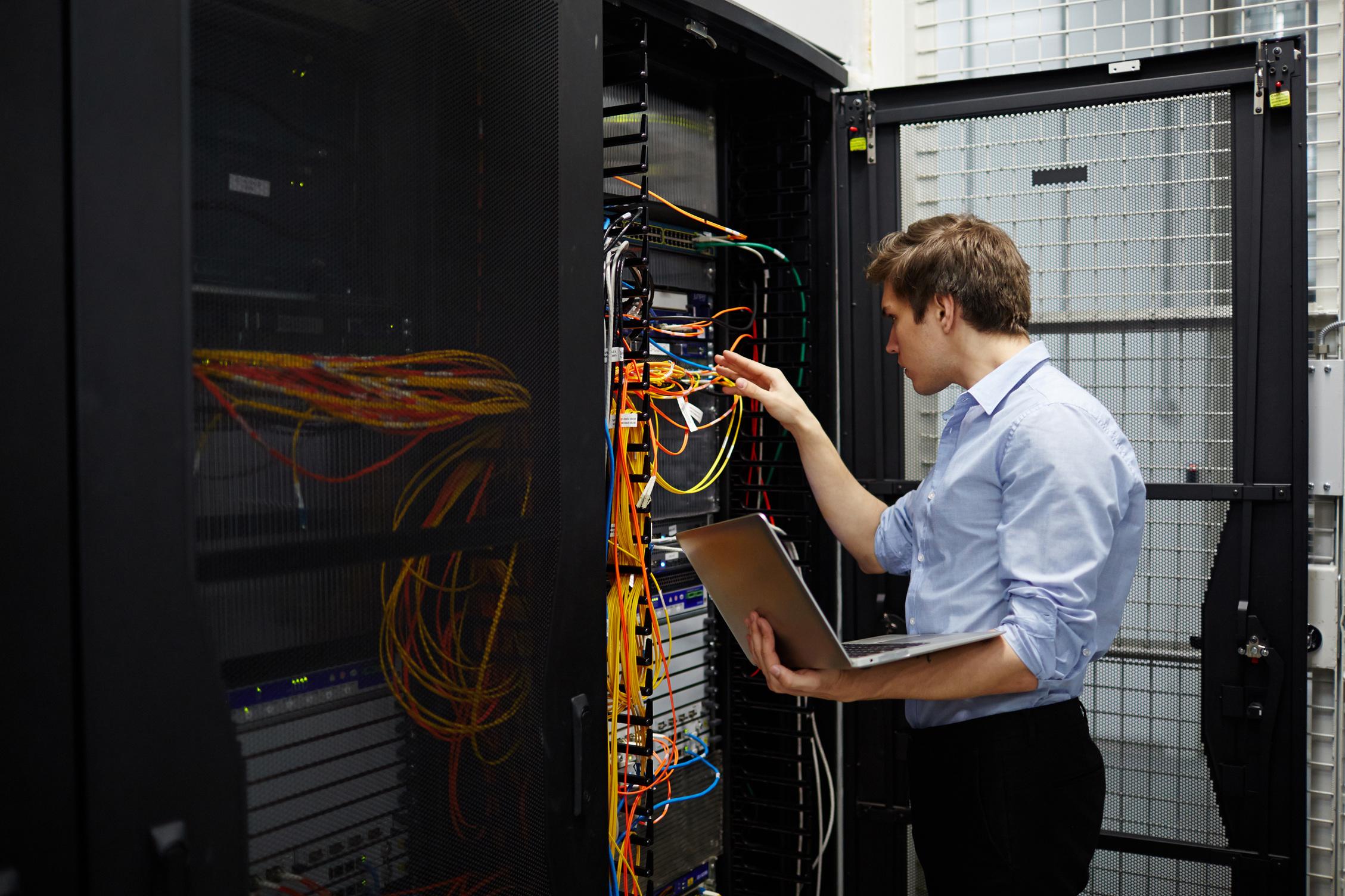
Keep your team connected to the computers, files, and applications they need to work.
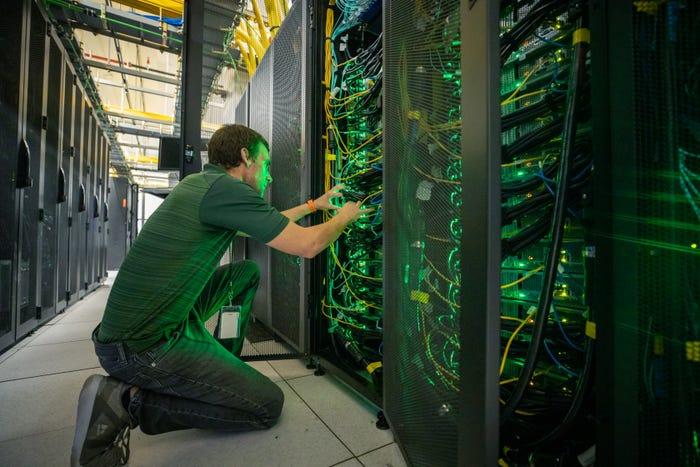
Get to the cause of everyday IT problems.
Slow workstations, login problems, and unreliable file access can interrupt an entire workday. We help identify what is happening, explain the options, and work through the repair or configuration changes your business needs.
From an individual laptop to the server supporting your office, we consider how each system fits into your environment. Maintenance, upgrades, and replacement planning can help you address recurring issues and prepare for what comes next.
Support for computers, servers, and the people using them.
Get help with everyday troubleshooting, essential server services, and the upkeep that keeps your technology useful.
Help your team get back to work.
We troubleshoot business desktops and laptops, from slow performance and startup issues to the applications and accessories your team relies on.
- Windows startup, performance, and application troubleshooting
- Printer, peripheral, and workstation connectivity support
- New computer setup, software installation, and user setup
Keep essential server services supported.
Your server may support logins, shared files, or business applications. We help investigate issues and maintain supported Windows Server environments around those needs.
- Server health, storage, and service troubleshooting
- Active Directory, DNS, and DHCP support
- File servers, business applications, and Hyper-V assistance
Connect people to the resources they need.
We help manage user accounts and access so staff can reach approved files and systems, with permissions organized around their responsibilities.
- User account setup, login troubleshooting, and offboarding
- Shared folders, mapped drives, and file permissions
- Group Policy and workstation configuration support
Give your systems regular attention.
Routine maintenance helps identify issues that deserve attention. We plan updates and upkeep around the equipment, applications, and working hours in your support scope.
- Operating system and application update planning
- Storage capacity, system health, and recurring issue checks
- Endpoint protection setup and configuration assistance
Make upgrades that fit the workload.
When equipment is holding your team back, we help evaluate practical repair, upgrade, or replacement options and prepare new systems for use.
- SSD, memory, and compatible hardware upgrades
- Workstation and server replacement planning
- Device setup, data migration, and application configuration
Plan for the files and systems you rely on.
We help review backup needs, investigate backup failures, and plan restore work for supported systems. The approach depends on your data, applications, and available backups.
- Workstation, server, and shared-data backup setup
- Backup job checks and scheduled restore testing
- File restoration and system recovery planning
Supported devices, response arrangements, remote and on-site work, maintenance, backups, hardware, and licensing are defined and quoted for your support scope.
Practical repairs.
Clear explanations.
Local support.
You should know what is causing the problem, what the next step involves, and how a repair or upgrade supports your business.
- Support shaped around your equipment and how your team works.
- Clear explanations of issues, options, and recommended next steps.
- Help with individual workstations and the servers behind them.
- Local support from Statesboro, Georgia.
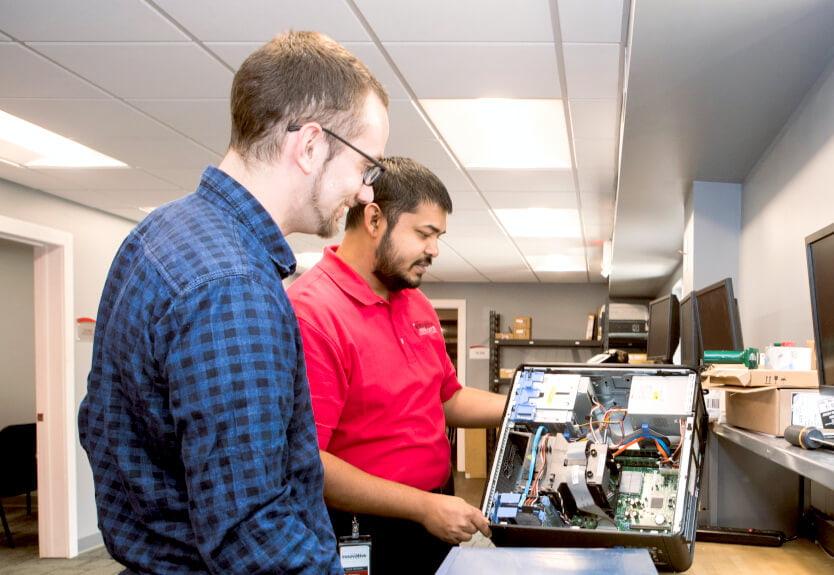

Give recurring computer problems a closer look.
If staff keep restarting the same computer or struggling to reach shared files, it is time to investigate. We can help assess the issue, review your equipment, and recommend a practical repair, maintenance, or upgrade plan.
Questions about computer and server support?
Tell us what equipment you use and what is getting in the way. We will help identify the right next step.
What computer and server issues can you help with?
We help with slow or unstable computers, startup and application problems, printers, login issues, shared-file access, and supported Windows Server services. We begin by reviewing the symptoms and affected systems, then explain the troubleshooting and repair work needed.
Can you provide remote and on-site support?
Yes. Many software, account, and configuration issues can be investigated remotely with your authorization. Hardware work and problems requiring physical access may need an on-site visit. We discuss the appropriate approach, availability, and any charges before arranging service.
Can you support our existing Windows server?
We can review your server, operating system, applications, and documentation to determine the support scope. This may include Active Directory, DNS, DHCP, file sharing, or Hyper-V. If equipment or software is no longer supported, we can help plan a suitable upgrade or replacement.
Should we repair, upgrade, or replace our equipment?
The best choice depends on the fault, the equipment’s age and condition, software requirements, and the cost of the available options. We can assess whether a repair, added memory, an SSD upgrade, or a replacement is a practical fit for your workload and budget.
Can you help with backups and restoring files?
Yes. We can help configure supported backup systems, review failed jobs, and plan file or system restores. Recovery depends on the condition of the equipment and the backups available. Backup setup, monitoring, testing, and restore work are included only when specified in your service scope.
Describe the issue.
Find the next step.
Tell us about the computer or server that needs attention, the symptoms you are seeing, and how the issue is affecting your team. Judah Technologies will follow up to discuss support options and next steps.
- Desktop, laptop, and Windows Server assistance.
- Troubleshooting, maintenance, and upgrade planning.
- A clear support scope and pricing before work begins.
Tell us what needs attention.
We will use these details to respond to your request. Please do not include passwords or sensitive account information.