


Computer repairs.
Practical upgrades.
Local support.
Get help with a laptop that will not start, a desktop running slowly, or hardware that needs attention. Judah Technologies helps diagnose computer problems, explain repair options, and carry out agreed repairs and upgrades for everyday use.
Laptop and desktop computer repair in Statesboro and Southeast Georgia.
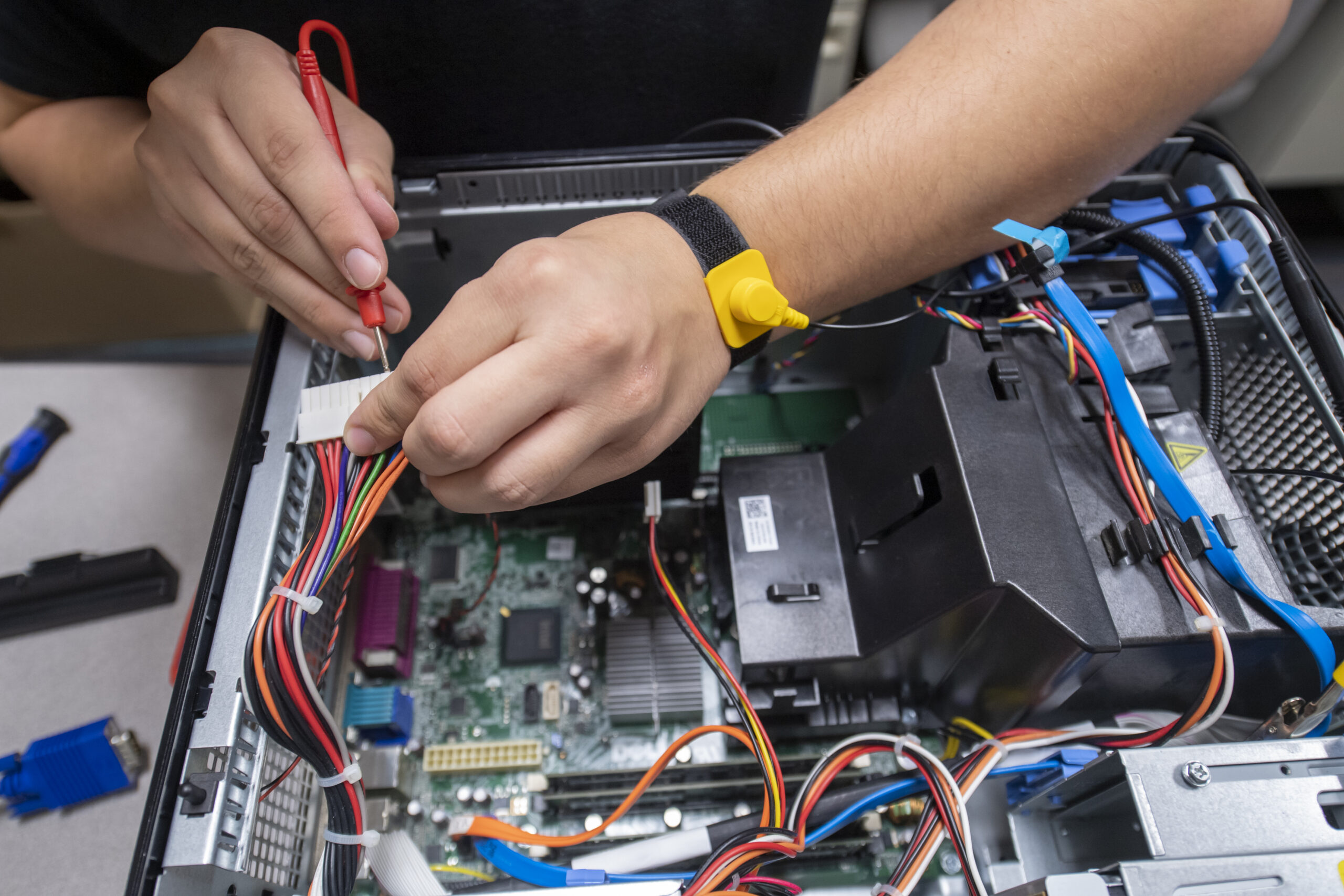
Find the problem. Understand your options. Make a practical decision about your computer.
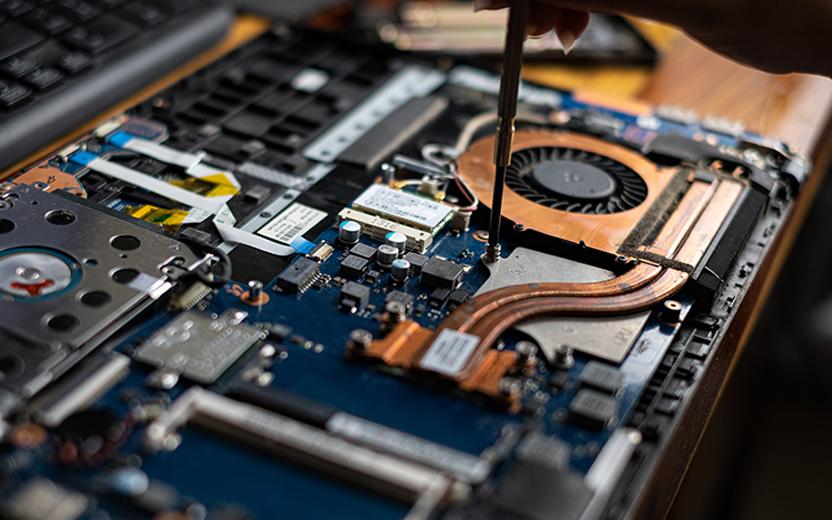
Get a clear next step for your computer.
Unexpected restarts, a damaged screen, or a computer that struggles to open programs can make everyday tasks difficult. We review the symptoms and assess the relevant hardware and software to help identify the work needed.
You get an explanation of the repair options, parts requirements, and expected costs before the agreed work proceeds. After repairs or upgrades, we check the relevant functions and help you understand any recommended next steps.
Computer help from diagnosis to setup.
Get help investigating faults, replacing compatible parts, resolving software issues, and preparing your computer for the tasks you need.
Understand what is causing the problem.
We review the symptoms and carry out relevant checks to help identify hardware, software, or configuration issues before planning a repair.
- Startup, display, charging, and performance issue assessment
- Relevant hardware and software checks
- Explanation of findings and recommended repair options
Get help with the parts you use every day.
We assess supported laptops for physical and hardware problems, with repair options based on the model, damage, and compatible parts available.
- Screen, keyboard, and battery replacement options
- Charging, cooling, and internal hardware troubleshooting
- Part compatibility review and checks after repair
Keep your desktop ready for the work ahead.
We help diagnose desktop faults and replace compatible components, including work, home, and custom-built PCs.
- Power supply, memory, drive, and component troubleshooting
- Fan, cooling, and internal connection checks
- Compatible replacement parts and system function checks
Work through software problems with a clear plan.
We help investigate Windows and application issues, discuss the available repair options, and carry out the agreed setup or corrective work.
- Windows startup, update, driver, and application troubleshooting
- Malware cleanup and unwanted-software assistance
- Operating system repair or reinstallation when appropriate
Find out whether an upgrade makes sense.
We review your workload and computer specifications to determine whether compatible memory or storage upgrades are a practical option.
- Storage capacity, memory, and compatibility review
- SSD replacement and supported RAM upgrades
- Post-upgrade configuration and function checks
Make a repaired or replacement computer easier to use.
We help move accessible files and prepare a computer for everyday tasks, with the data and setup work agreed before the transfer begins.
- Transfer of agreed files from accessible storage
- Email, printer, and supported application setup
- Review of backup needs and user setup preferences
Diagnostics, parts, labor, software licensing, data transfer, and setup work are defined and quoted for your repair. Options and timing depend on the computer model, condition, parts availability, and the work required.
Clear answers.
Practical repairs.
Local support.
You should understand what needs attention, what the repair involves, and whether it makes sense for the way you use your computer.
- Assessment based on your computer and the symptoms you report.
- Clear explanations of repair, upgrade, and replacement options.
- Agreed work and costs before the repair proceeds.
- Local help from Statesboro, Georgia.
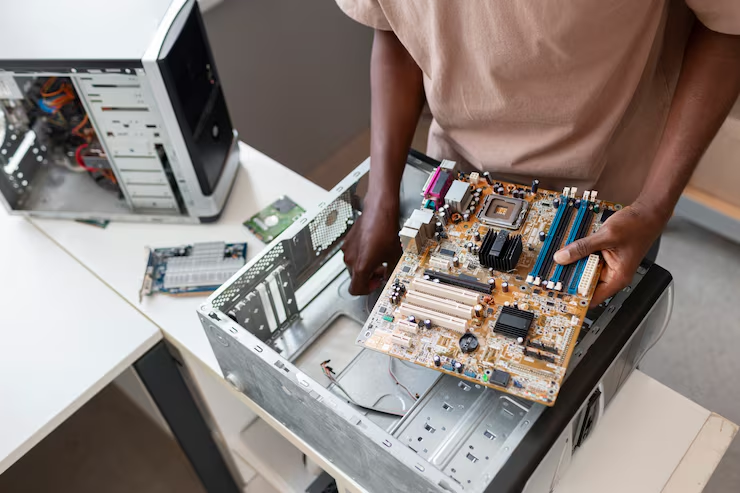

Give a struggling computer a closer look.
If your computer is slow, unreliable, damaged, or running out of storage, start with an assessment. We can help identify the problem and review practical options for repair, upgrades, or moving to another computer.
Questions about computer repair?
Understand the repair process, what affects cost and timing, and how we approach your equipment and files.
Do you repair both laptops and desktops?
Yes. We assess laptop and desktop computers for supported hardware and software repairs, including compatible custom-built PCs. Available repair options depend on the make, model, fault, and replacement parts. Tell us what you have and the symptoms so we can discuss the next step.
Can you help with a slow computer?
Yes. Slowness can have several causes, including storage problems, limited memory, startup applications, software issues, or cooling problems. We assess the computer before recommending changes. The best option may be a repair, software work, a compatible upgrade, or replacement planning.
What happens to my files during a repair?
We discuss file access, backup needs, and the agreed work before changes that could affect storage. Some repairs or operating system work may require a backup or data transfer. Recovery from damaged or inaccessible storage is assessed separately, and what can be recovered depends on the condition of the device and available backups.
How much will the repair cost, and how long will it take?
Cost and timing depend on the diagnosis, required parts, availability, and the work involved. We explain any diagnostic charges and provide the expected repair scope and estimate before proceeding with the agreed work. An expected completion time can be discussed once the requirements are known.
Should I repair, upgrade, or replace my computer?
That depends on the computer’s age and condition, the fault, your software needs, and the cost of the available options. We can review whether a repair, SSD or memory upgrade, or a replacement is a practical fit. Compatibility and your everyday workload guide the recommendation.
Describe the problem.
Find the next step.
Tell us about your laptop or desktop, the symptoms you are seeing, and what you need help with. Judah Technologies will follow up to discuss assessment, repair options, and the next steps.
- Laptop and desktop diagnostics and repairs.
- Software help, compatible upgrades, and computer setup.
- A clear explanation of the proposed work and cost.
Tell us what your computer is doing.
We will use these details to respond to your request. Please do not include passwords or sensitive account information.